




The TSA Just Added a $45 Fee for Travelers Who Don’t Have This
If you traveled a lot this year, you may have found it tough to keep up with all the changes announced by the Transportation Security Administration (TSA). This summer, for example, the TSA abolished the long-standing rule that travelers have to take off their shoes for standard security screening. There were also new bans on certain items in checked luggage, changes to the security process when connecting after an international flight, and new dedicated lanes for family screening. But perhaps the biggest shift was the TSA finally starting to enforce the requirement for travelers to have a REAL ID in order to board their flight — a rule first proposed back in 2005. And for anyone who has yet to make the switch to REAL ID, there’s big news on the horizon.
TSA Announces Fee for Travelers Without REAL ID
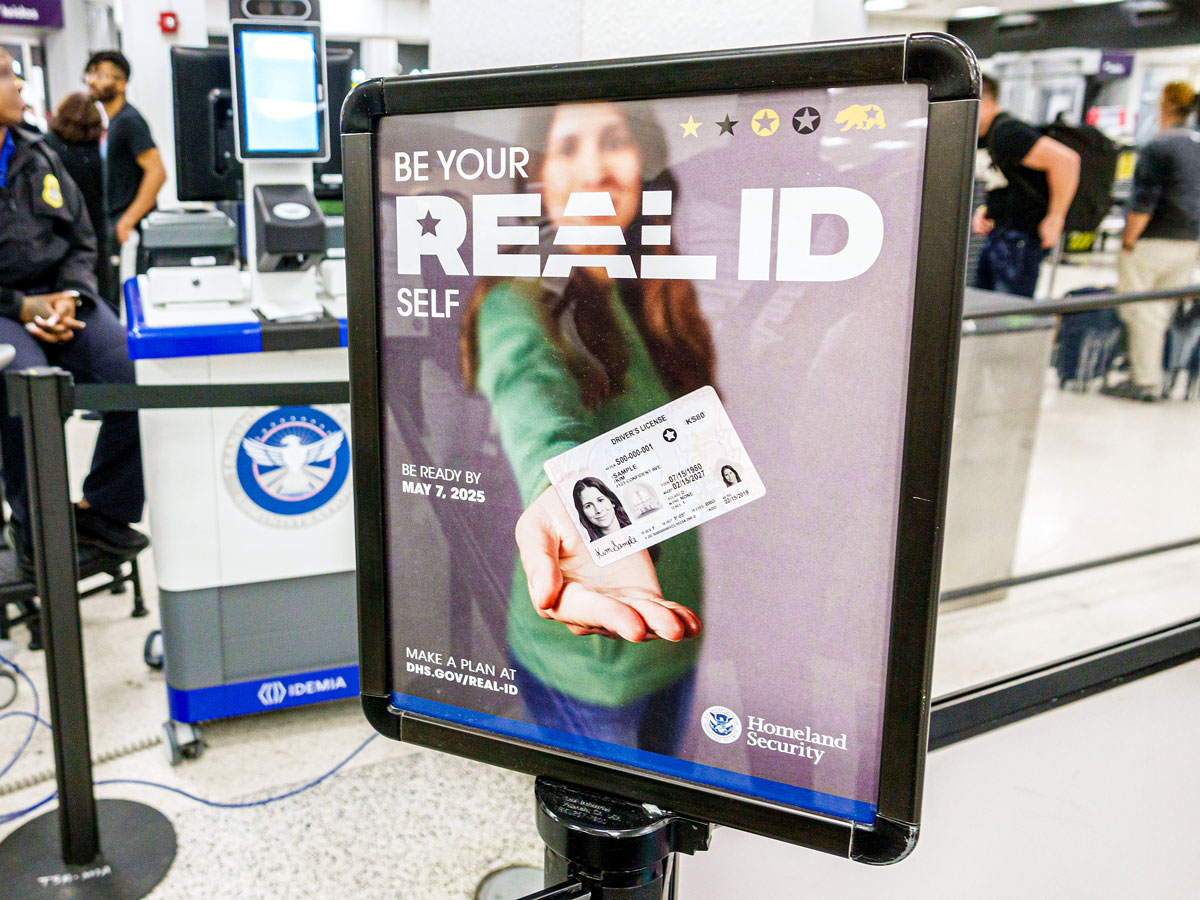
On December 1, 2025, the TSA announced that airline passengers who present to the security checkpoint without a REAL ID or an equivalent acceptable form of identification will soon have the option to pay a $45 fee for identity verification if they still want to fly. The new, alternative verification process, dubbed “TSA Confirm.ID,” will be available as of February 1, 2026. If travelers don’t choose to pay for the service and don’t have any other form of permitted identification, they won’t be allowed to fly.
The TSA says that it is working with private contractors to establish a web portal to register and pay online for the service prior to arriving at the airport. Once verified, a passenger’s TSA Confirm.ID will be valid for 10 days starting with the first departure date in their itinerary.
The agency shared with USA Today that travelers will also have the option of completing the verification process and paying the fee at the airport, a process that officials expect to take about 10 to 15 minutes or up to 30 minutes in extreme cases. That means travelers who don’t plan on having a REAL ID by the time they travel should budget plenty of extra time at the airport.
Other TSA-Approved Forms of Identification
While the $45 fee is certainly steep, the good news is that it should affect only a small portion of travelers. The TSA confirmed that, as of December 2025, 94% of passengers already use a REAL ID or another acceptable form of identification.
As the TSA explained in its announcement, “This fee ensures the cost to cover verification of an insufficient ID will come from the traveler, not the taxpayer. The security of the traveling public is our top priority, so we urge all travelers to get a REAL ID or other acceptable form of ID as soon as possible to avoid delays and potentially miss flights.”
If you don’t have a REAL ID or plan to get one soon, there are many other acceptable forms of identification at TSA checkpoints. These include a U.S. passport or passport card, a state-issued Enhanced Driver’s License, a permanent resident card, a DHS Trusted Traveler (e.g., Global Entry) card, or a foreign-government issued passport. For a full list, check the TSA’s website.
TSA’s New Digital ID Option
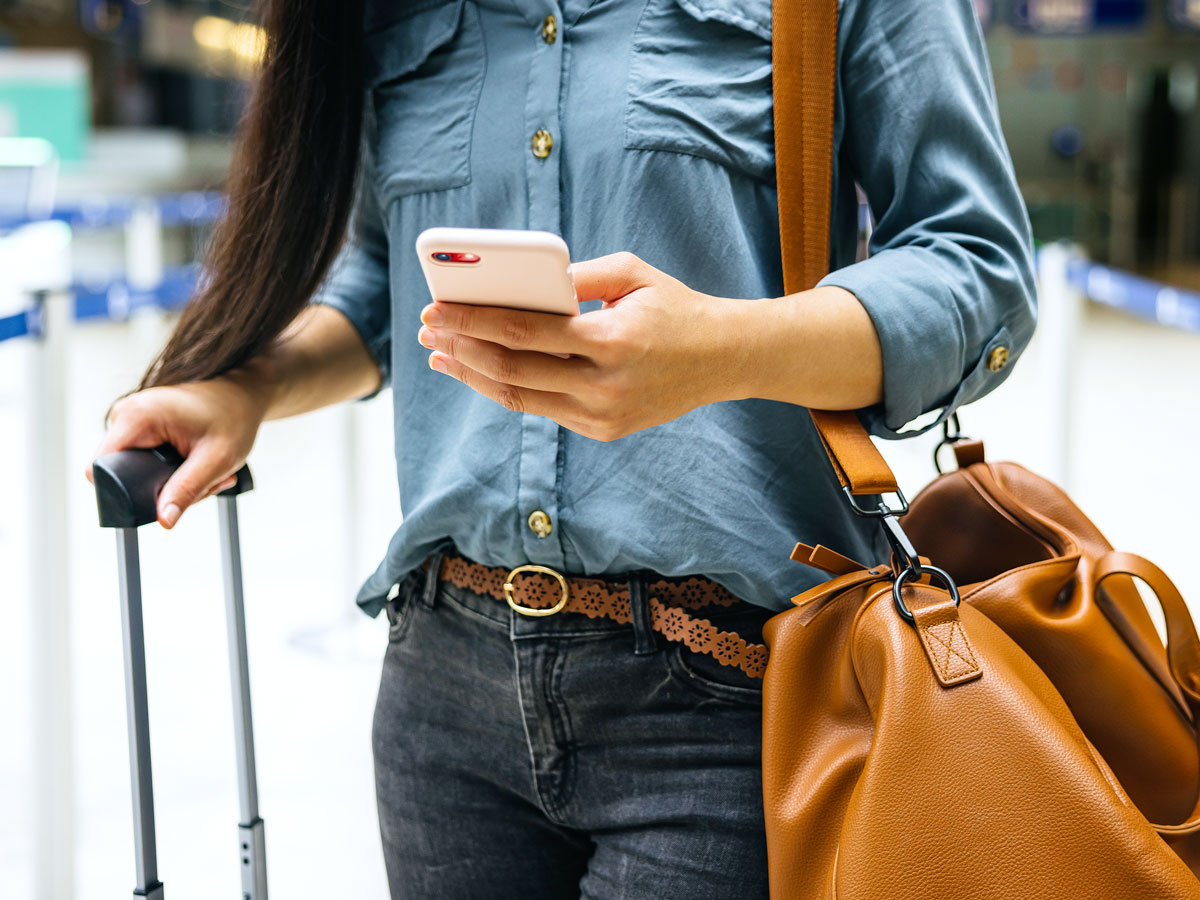
For travelers looking to save even more time at TSA checkpoints this holiday season, there’s good news: You also have the option to use your phone as your ID.
Apple and Android users will be able to create a digital ID on their devices that will be accepted at 250 TSA checkpoints for domestic flights (but, notably, not on international flights). For a full list of participating states, check the TSA website.
Apple’s Digital ID and Google Wallet both require you to upload your passport information to be authenticated. Once approved, your digital ID will be stored on your device. Then, you’ll simply tap your phone on the scanner at the TSA checkpoint.
While this should lead to less time spent fumbling around your bags and pockets, the agency still recommends that travelers always carry a physical copy of acceptable identification as a backup.
More from our network
Daily Passport is part of Inbox Studio, an email-first media company. *Indicates a third-party property.