






The One Thing To Check Before Heading to the Airport
The One Thing To Check Before Heading to the Airport


We’re all looking for ways to make travel days smoother, from packing the latest gear and gadgets to time-saving shortcuts in the security line. But there’s one simple thing travelers can do before even leaving home to reduce stress at the airport: check TSA wait times. Security lines can change dramatically depending on the airport, terminal, season, weather, time of day, and staffing. Here’s how to check current wait times so you can smartly time your airport arrival.
Is the Two-Hour Rule Outdated?
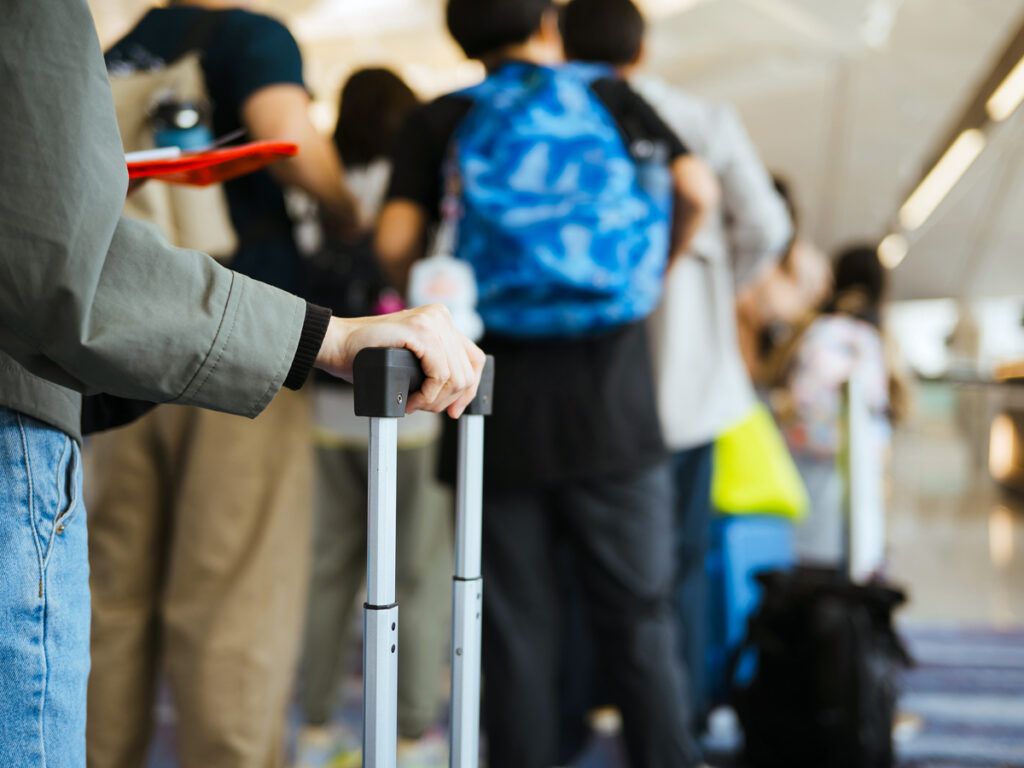
For years, travelers have followed the standard advice to arrive two hours before a domestic flight. This remains good general guidance, but it doesn’t always reflect modern travel realities — particularly in light of the recent government shutdown and TSA staffing issues. At major hubs, two hours may not be enough time these days, but on the flip side, it may be excessive at smaller airports with fewer passengers.
Post-pandemic travel demand has also changed the airport landscape, with record daily passenger traffic. The TSA is busier than ever and consistently sees record numbers of travelers during holidays and other peak travel seasons. Larger crowds, along with disruptions such as construction, staffing shortages, and weather delays, contribute to longer — and more unpredictable — TSA wait times. Rather than relying solely on the traditional two-hour rule, travelers are often better off checking wait times for the specific airport they’re using that day.
How To Check TSA Wait Times

There are several ways to check airport wait times, including the My TSA App, airport websites, airline websites and apps, and third-party websites. Each offers different benefits, along with some limitations.
My TSA App
One of the most reliable ways to check estimated TSA wait times and travel delays is through the My TSA App, available for mobile devices. Not only can you quickly search for any airport that uses TSA, but you can also see current air traffic control delays for that airport. The app uses historical data based on the specific day of the week and time of travel, and it also tells passengers where to find TSA PreCheck lines.
Users can even create a list of favorite airports for quick access to wait times on their dashboard. Other features include details on prohibited items and security procedures, as well as a live chat feature to speak with a TSA representative.
One limitation of the My TSA App is that it doesn’t break down wait times by checkpoint or terminal, which may vary greatly at larger or international airports. In this case, passengers may want to check elsewhere, such as airport websites, for more detailed updates.
Airport Websites
To find TSA wait times for specific terminals, especially at larger airports, head to the airport’s website. For example, New York’s John F. Kennedy International Airport lists wait times on its home page. Both the regular and TSA PreCheck wait times for each of its five terminals are updated in real time, along with the estimated wait time to clear customs. Similarly, the Miami International Airport website lists wait times for general, priority, TSA PreCheck, and CLEAR lines at all of its checkpoints.
Though not serviced by the TSA, many international airports also list security wait times. London’s Heathrow Airport, for instance, updates wait times every 15 minutes for all four of its terminals. The website also lists customs wait times based on the citizenship or passport type you hold. Similarly, Toronto Pearson International Airport provides live wait times organized by domestic, international, and U.S.-bound terminals.
Airline Websites and Apps
If you’re having trouble finding wait times for your airport of departure, or simply want a second set of data as confirmation, try checking with an airline. For example, Delta’s website lists wait times broken down by checkpoint for its nine key hubs, including Hartsfield-Jackson Atlanta International Airport, Boston Logan International Airport, and Los Angeles International Airport. This information is also available in Delta’s mobile app.
Other carriers provide similar services. In April 2026, United Airlines rolled out a new feature in its app that lets users view TSA security wait times at the airline’s major hubs in seven U.S. cities, including Chicago, Denver, Newark, and San Francisco.
Even if you’re not flying with a specific airline, these tools can still be useful because many carriers typically share the same TSA checkpoints. However, not every airline offers this feature; some, including American Airlines, instead direct travelers to use the MyTSA App.
Other Tracking Sites
Several independent websites also track airport security lines, including Airline Airport and Qsensor, both of which offer detailed information on security wait times, delays, and checkpoint closures. Qsensor offers the most comprehensive monitoring, covering 146 airports worldwide.
Ultimately, when choosing between a third-party site, the TSA app, or an airline website, there is no “best” source. The right choice depends on which airport or airline you’re using and how much detail you want before heading out the door.
Featured image credit: © Ivan Pantic—E+/Getty Images
More from our network
Daily Passport is part of Inbox Studio, an email-first media company. *Indicates a third-party property.