





How Your Phone Can Help You Avoid Oversized Bag Fees
How Your Phone Can Help You Avoid Oversized Bag Fees
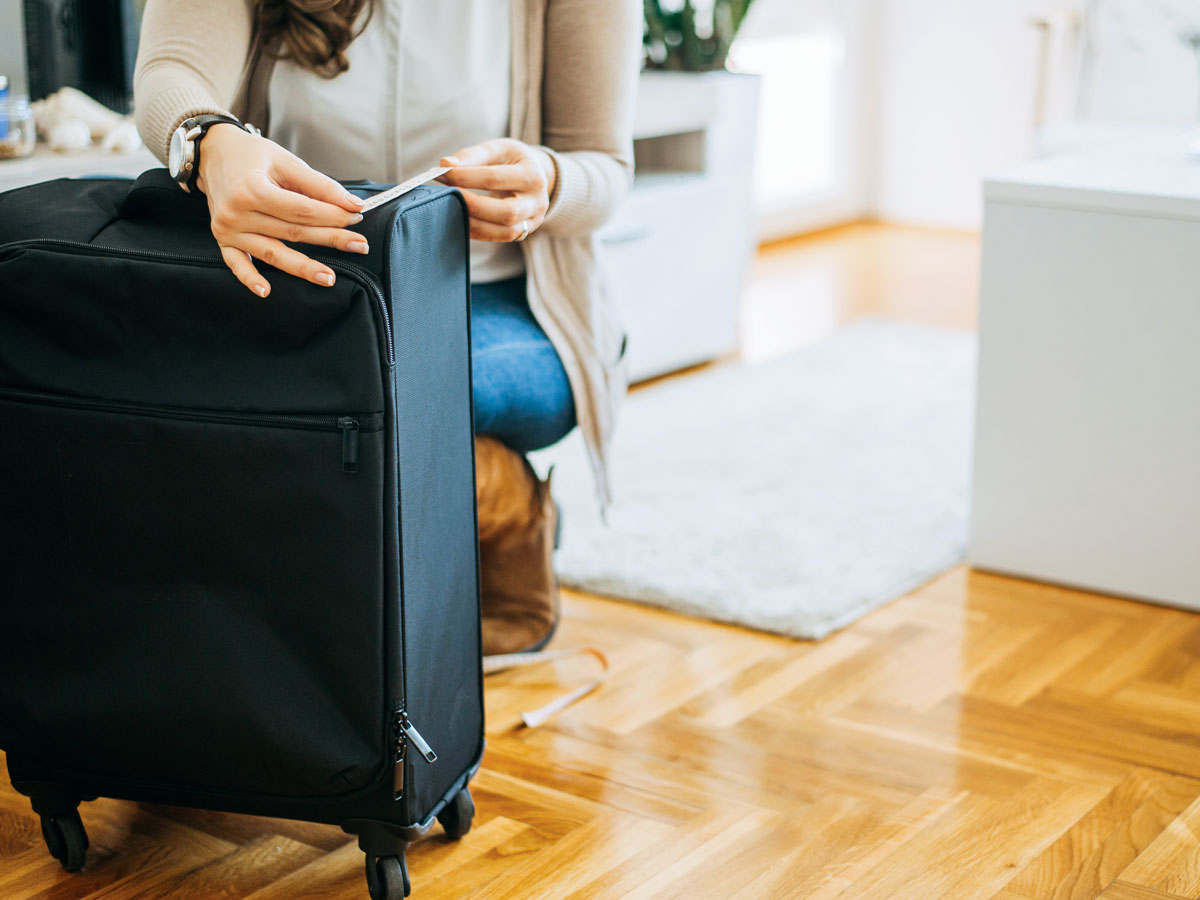

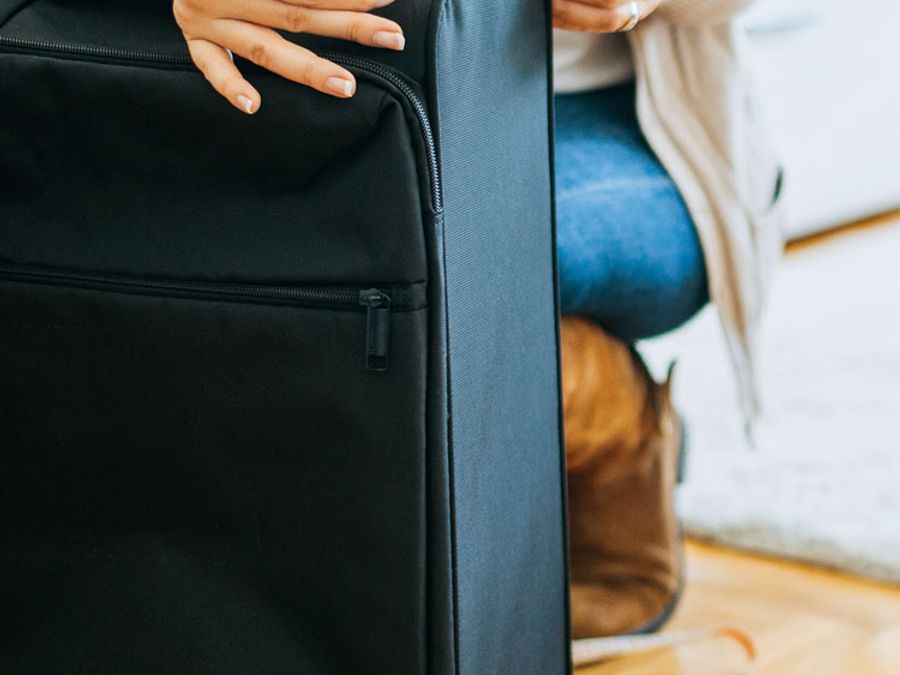
When you’re flying, a single inch can be the difference between carrying luggage on for free or being forced to pay a hefty fee to check it. Oversized bag fees often catch travelers off guard, forcing them to pay more to fly than they initially budgeted. Without the airport sizer, it’s difficult to tell just how large a suitcase is using only your eyes, and not everyone has a measuring tape handy. Thankfully, there’s a better way. Best of all: It’s likely already on your phone and ready to use.
Apple’s Measure App
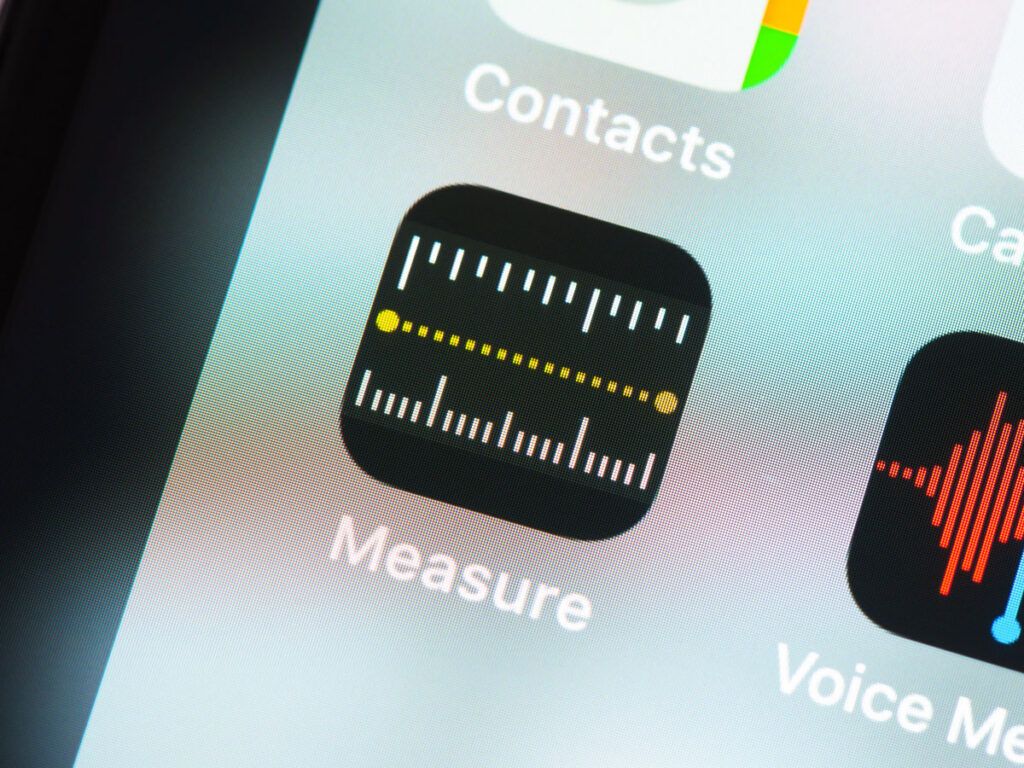
If you’re an iPhone user, Apple’s Measure app comes predownloaded on your device. This tool uses the phone’s camera and built-in sensors to measure the length of any physical object around you. While it’s not as precise as an actual measuring tape, tests indicate the app delivers 95% to 97% accuracy.
To use the Measure app, place your luggage (or whatever object you’re measuring) on a flat surface, preferably one with good lighting. Also try to stand as close as possible to the object you’re measuring, because the farther away you get, the likelier it is for inaccurate readings to occur.
Once situated, open the app and point the camera toward the luggage. Then, press the button on the screen to set a starting point on one side of the bag, and move the camera to the other side to set the end point. When you’re done, your phone will display an accurate measurement. Repeat this process for the bag’s height, length, and width, after which you should have a good idea of the bag’s physical dimensions.
Now that you have the numbers handy, you can check them against your airline’s size limits. This is a useful tool when you’re at home deciding which bag to bring, or perhaps when deciding to buy a new bag on the road to carry all the souvenirs you bought abroad.
What About Android Users?
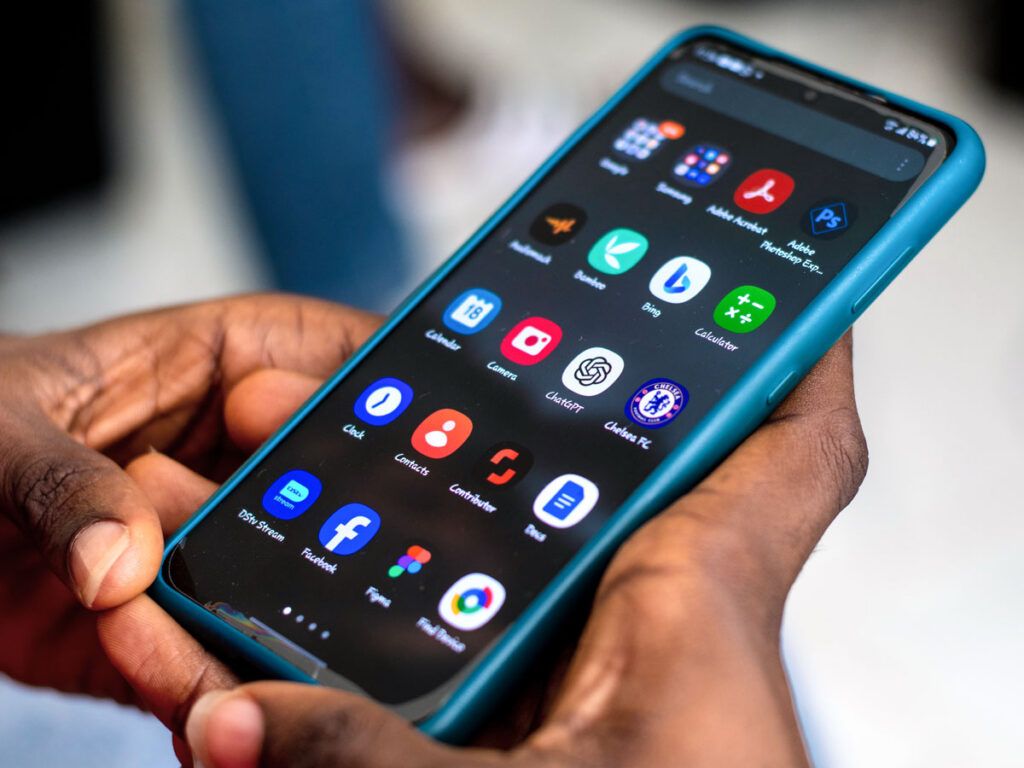
Unfortunately, most Android devices do not come with a preinstalled native measuring app. However, Samsung-brand smartphones often come with Quick Measure, which uses augmented reality to create accurate measurements. Or you can choose from several free measuring apps in the Google Play store, such as Digital Ruler, which functions in a similar manner.
Additional Measuring Tips
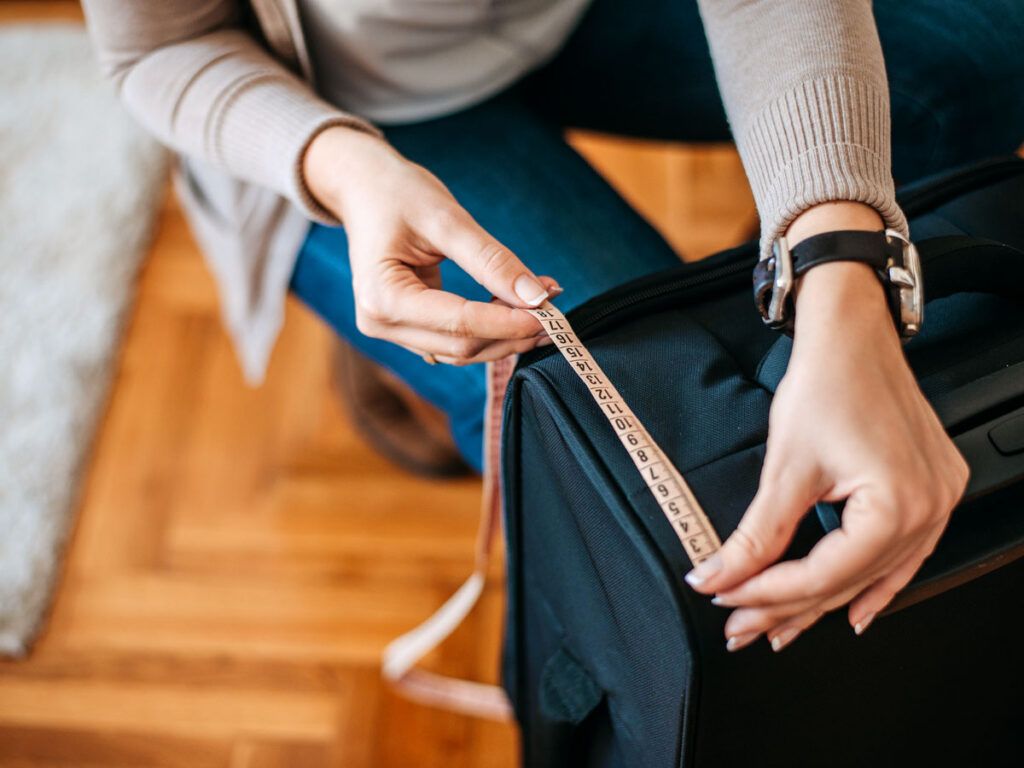
There are a couple of things flyers commonly overlook when measuring their luggage. First, try to measure the bag when fully packed if possible, especially if it’s a soft-sided bag. Luggage typically expands when packed, adding extra inches to its size compared with when it’s completely empty.
Second, be sure to include wheels and handles when measuring. Airlines count those features against the maximum allowance, and omitting them may lead you to wrongly assume your bag will meet size requirements.
Lastly, if you’re worried that your bag may be overweight, consider investing in a portable luggage scale. This compact model has an easy-to-read digital display that lets you weigh bags up to 110 pounds before leaving home or your hotel room.
Featured image credit: © bnenin/stock.adobe.com
More from our network
Daily Passport is part of Inbox Studio, an email-first media company. *Indicates a third-party property.